
The demand for high-performance GPU hosting has shifted from simple model training to complex, real-time inferencing for Generative AI and Large Language Models (LLMs). In 2026, the difference between a successful deployment and a stalled project often comes down to hardware availability—specifically NVIDIA H100, H200, and the new Blackwell B200 clusters—and regulatory compliance.
If you’re choosing GPU hosting for AI/M, start by matching the workload to the right delivery model: dedicated GPU servers for steady training, GPU clouds for elastic runs, and serverless GPU for production inference. For regulated workloads (health data, payments), pick a provider that’s built around audited compliance workflows. Atlantic.Net is a strong fit when HIPAA/HITECH-style controls matter and offers current-generation NVIDIA options such as L40S and H100 NVL. For large-scale training, specialist GPU clouds (and hyperscalers) win on multi-GPU and multi-node scale.
Whether you are fine-tuning LLaMA 3, rendering generative video, or processing sensitive electronic Protected Health Information (ePHI), your infrastructure must match your workload. This guide ranks the top GPU hosting providers for 2026 based on performance, compliance, and value.
Quick Verdict: The Top 3
- For Healthcare & Enterprise Compliance: Atlantic.Net. Offers HIPAA-compliant dedicated bare metal with H100 NVL/L40S.
- For Massive Scale & Kubernetes: CoreWeave. Built for training massive models with thousands of H100s.
- For Developers & Short-Term Jobs: RunPod. Best spot-pricing and community templates for rapid prototyping.
Comparison: Top GPU Hosting Providers 2026
| Provider | What you rent | GPU options (examples) | Scale model | Compliance focus (only when verifiable) | Best for |
| Atlantic.Net | Cloud GPU + dedicated GPU servers | NVIDIA L40S, H100 NVL (Atlantic.Net) | Scale from cloud to dedicated | HIPAA/HITECH-audited positioning (Atlantic.Net) | Regulated AI/ML + secure deployments |
| CoreWeave | GPU cloud + bare metal | NVIDIA HGX H100/H200 (plus platform options) (CoreWeave) | Multi-GPU, multi-node | (Varies by engagement; validate per workload) | Distributed training and high-throughput pipelines |
| Lambda | GPU instances + clusters | B200, H100, A100, GH200 (Lambda) | 1–8 GPU instances and larger clusters | (Not stated as a universal certification) | Builders who want ML-first infrastructure |
| Genesis Cloud | GPU cloud | H100, H200, B200 (Genesis Cloud) | On-demand and longer-term capacity | EU positioning (confirm residency needs per project) | EU-centric deployments + modern GPU access |
| Runpod | Pods + serverless endpoints + instant clusters | (Varies by region/market) | Single GPU pods → multi-node clusters (Runpod Documentation) | (Confirm based on tier and data type) | Fast iteration, inference endpoints, burst workloads |
| AWS | GPU instances (EC2) | P5 (H100-powered) (Amazon Web Services, Inc.) | Single instance → large fleets | Broad compliance programs (validate services in scope) | Enterprise pipelines + integrated cloud stack |
What Does GPU hosting Mean in 2026?
GPU hosting has split into three practical choices:
- Dedicated GPU servers: You keep the same box for weeks/months. Good for steady training and stable data pipelines.
- GPU cloud instances: You spin up GPUs when you need them. Good for burst training and experimentation.
- Serverless GPU endpoints: You deploy an API and pay for execution. Good for inference and production apps that scale up/down.
The “best” provider depends less on brand and more on your workload: model size (VRAM), training duration, scale-out needs, and compliance requirements.

1. Atlantic.Net
Best for: Healthcare, Finance, and Compliant Dedicated Hosting
We distinguish ourselves by offering dedicated bare metal servers rather than just virtual instances. This prevents the “noisy neighbor” effect common in public clouds, ensuring consistent performance for mission-critical AI workloads. Our infrastructure is audited for HIPAA, HITECH, and PCI compliance, making us the safest choice for organizations handling patient data (ePHI) or financial records.
Below is Atlantic.Net’s cloud control panel interface used to deploy and manage dedicated and GPU servers.
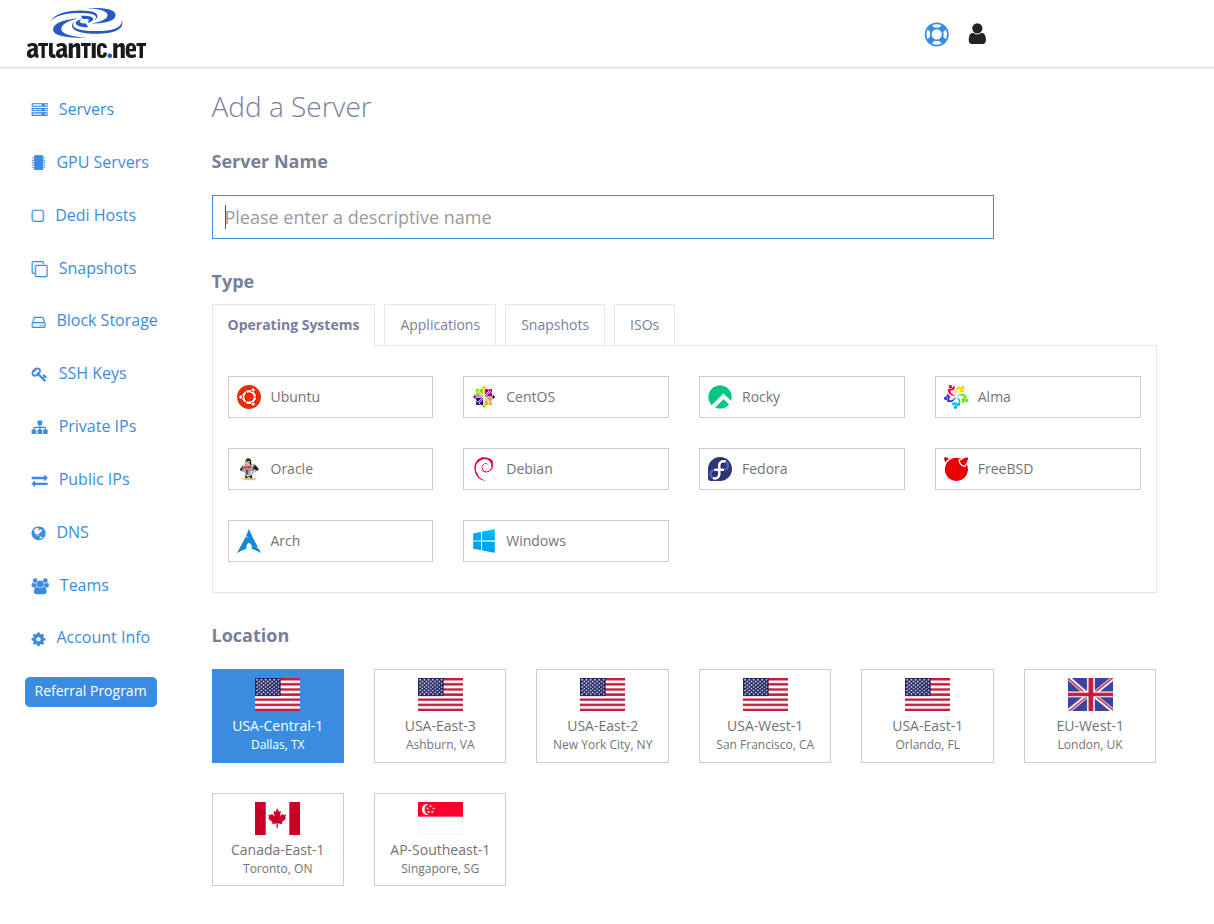
Image Source: Atlantic.Net
- Key Specs: NVIDIA H100 NVL (94GB HBM3) and L40S (48GB GDDR6); Bare Metal.
- Compliance: HIPAA, HITECH, PCI-DSS, SOC 2, SOC 3.
- Support: 24/7/365 US-based support; managed services available.
- Verdict: The go-to choice for enterprises that cannot risk compliance violations or performance jitter.
What stands out:
- Verified Compliance: Atlantic.Net is one of the few providers willing to sign a Business Associate Agreement (BAA) for GPU hosting.
- H100 NVL Availability: We stock the powerful NVL variant designed for LLM inference and fine-tuning.
- No Egress Fees (Dedicated): Unlike hyperscalers, our dedicated plans often include massive bandwidth allowances.
Who should choose Atlantic.Net?
CTOs in healthcare/fintech and teams requiring predictable, dedicated hardware performance.
2. Hetzner
Best for: Budget-Conscious Projects & European Data Residency
Hetzner remains a favorite for developers and startups due to its great price-to-performance ratio. While they focus on consumer-grade cards (RTX 3080/4090) and older enterprise cards, their dedicated server auction (“Server Börse”) allows savvy users to snag powerful hardware for a fraction of the cost of major clouds.
View the Hetzner dashboard interface designed to deploy cloud servers, configure networking, and monitor activities across global locations.
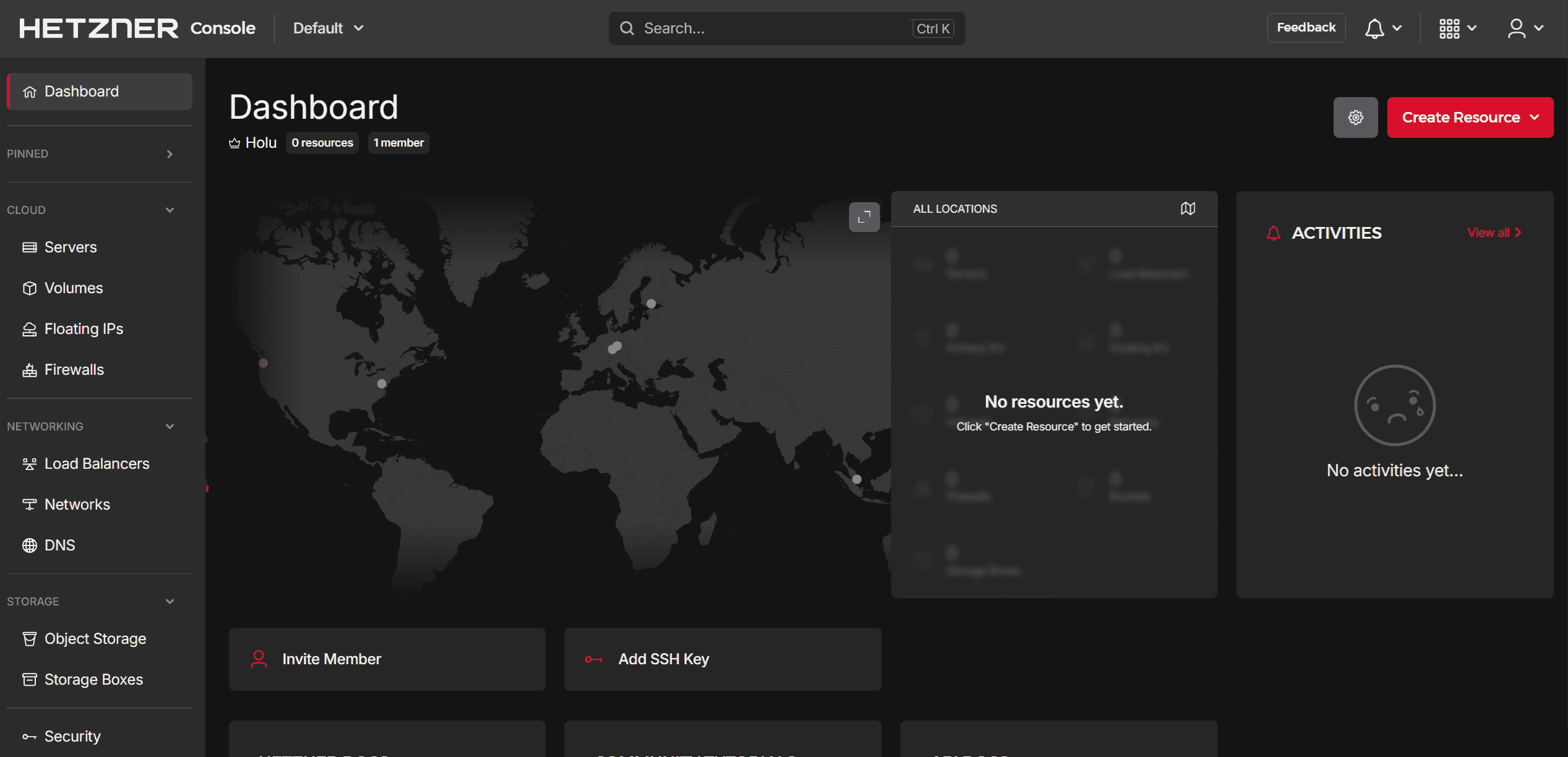
Image Source: Hetzner
- Key Specs: NVIDIA RTX 3080/4090, some A100 availability.
- Compliance: GDPR (German/Finnish Data Centers).
- Support: Standard ticket-based support; minimal managed services.
- Verdict: Perfect for inference workloads, rendering, or development environments where enterprise SLAs aren’t critical.
What stands out:
- Cost Efficiency: Hourly rates often under €1.00 for capable RTX cards.
- Bandwidth: Generous traffic limits included in the base price.
- Location: Excellent connectivity within Europe.
Who should choose Hetzner?
Bootstrapped startups, students, and EU-based companies needing GDPR compliance on a budget.
3. Lambda
Best for: Deep Learning Specialists & On-Demand Training
Lambda sells virtually nothing but GPU compute, and they do it well. As an early partner of NVIDIA, they often have stock of high-end chips (H100, GH200, and the new B200). Their software stack comes pre-configured with PyTorch, TensorFlow, and JupyterLab, allowing data scientists to start training models seconds after booting.
Let’s see the Lambda interface used to analyze resource usage, manage filesystems, and monitor spending across projects.
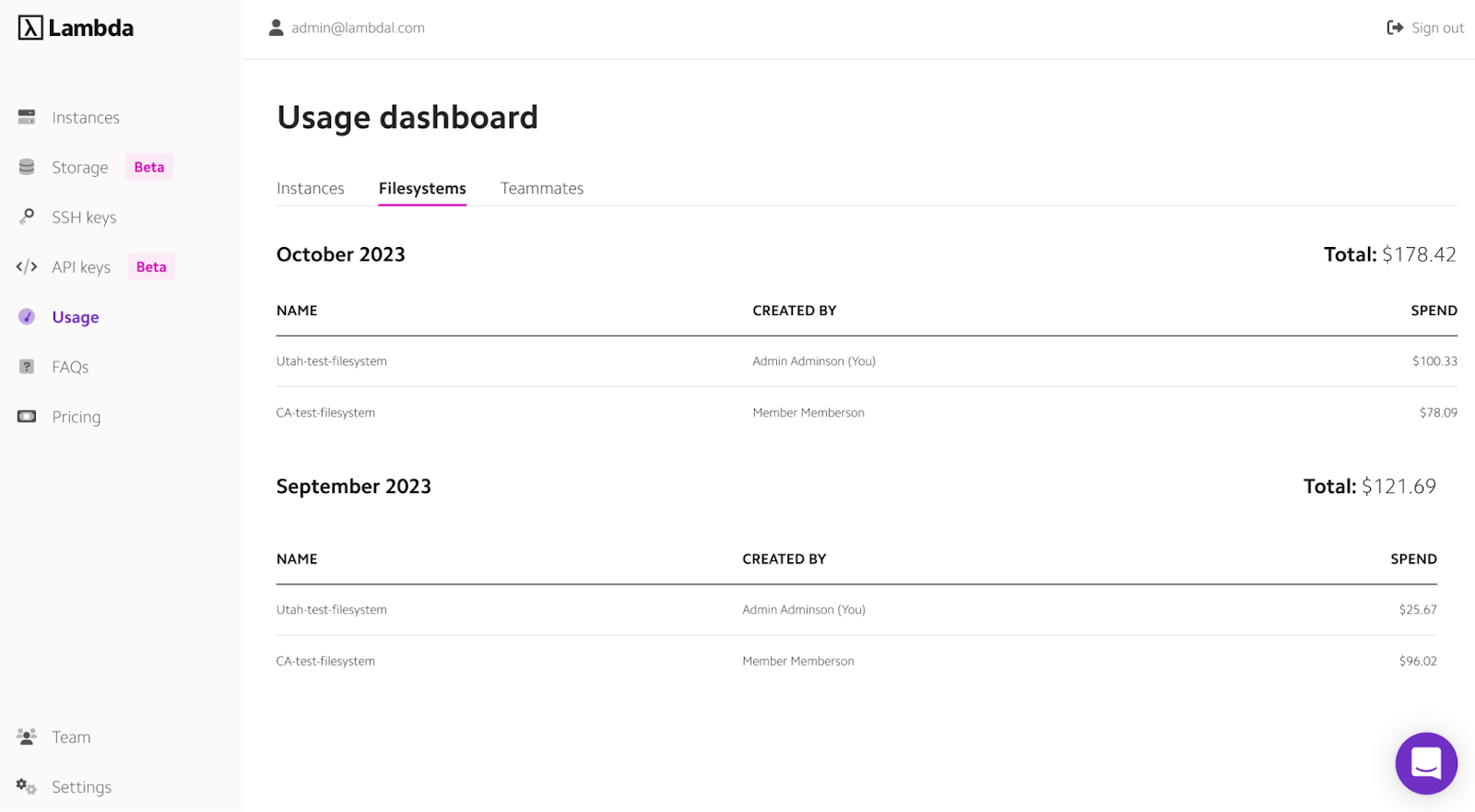
Image Source: Lambda
- Key Specs: NVIDIA H100, A100, GH200 Superchip, Blackwell B200.
- Compliance: SOC 2 Type 2.
- Support: Engineering-focused support.
- Verdict: A frictionless environment for machine learning engineers who want raw power without DevOps overhead.
What stands out:
- 1-Click Clusters: Rapidly spin up multi-node clusters for distributed training.
- Flash Storage: High-speed local NVMe storage optimized for feeding data to hungry GPUs.
- Persistent Storage: Easily attach reliable storage to instances.
Who should choose Lambda?
AI research teams and ML engineers needing immediate access to top-tier hardware.
4. CoreWeave
Best for: Massive Scale & Kubernetes Native Workloads
CoreWeave has grown into a major player by powering some of the world’s largest AI companies. Their infrastructure is built on top of Kubernetes, making it ideal for containerized workflows and serverless inference scaling. They specialize in massive clusters of H100s and B200s connected via NVIDIA Quantum InfiniBand for training foundation models.
Here is the CoreWeave Cloud dashboard, where you can deploy GPU-powered virtual servers, manage storage, and monitor high-performance workloads.
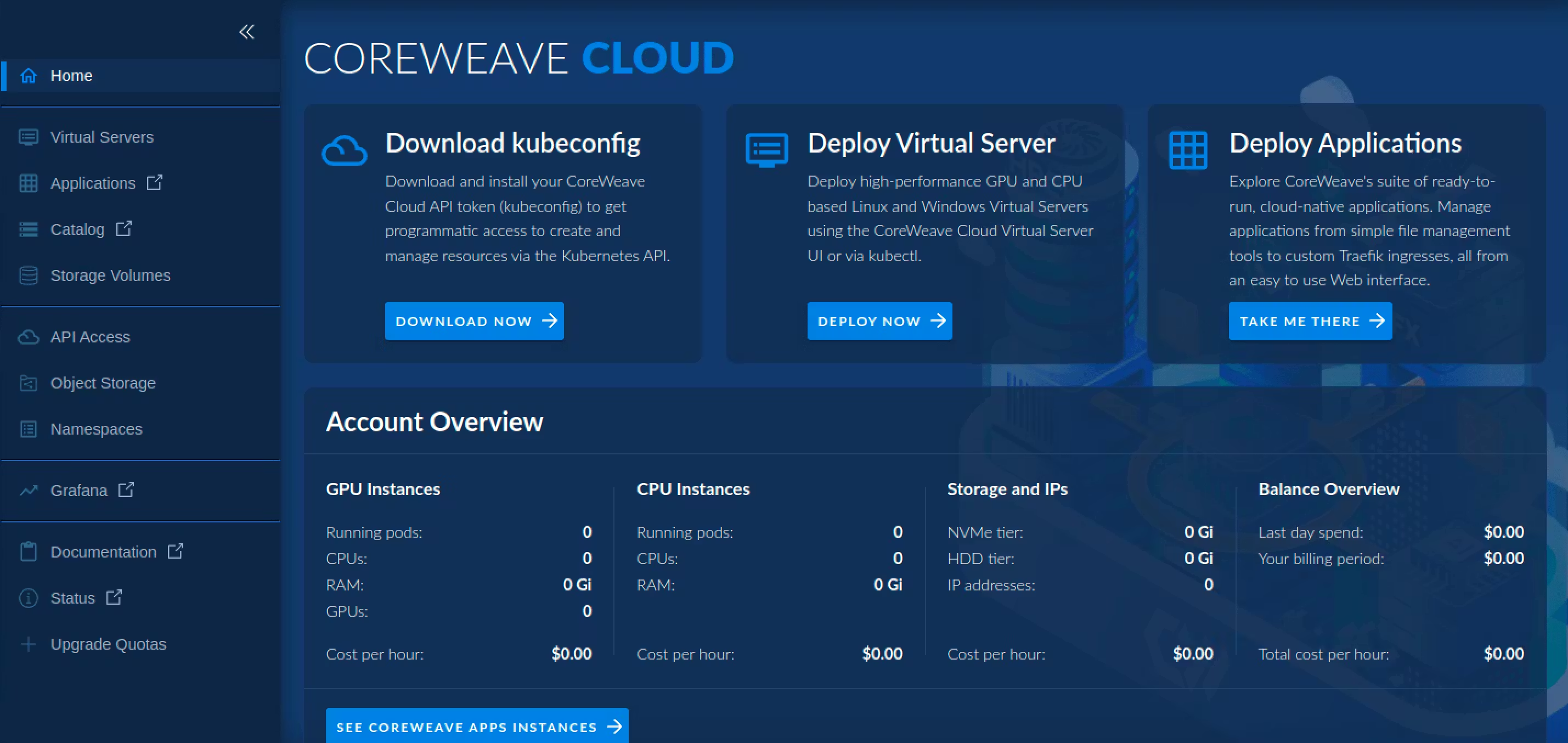
Image Source: CoreWeave
- Key Specs: NVIDIA H100, A100, L40S; HGX Baseboards.
- Compliance: HIPAA, SOC 2, ISO 27001.
- Support: Enterprise-grade SLAs available.
- Verdict: The industrial-strength option for training Large Language Models (LLMs) from scratch.
What stands out:
- Networking: 3.2 Tbps Infiniband interconnects for bottleneck-free distributed training.
- K8s Native: No virtual machines to manage; you deploy containers directly.
- Scale: Capable of provisioning thousands of GPUs in a single cluster.
Who should choose CoreWeave?
AI Unicorns and enterprises performing foundational model training or large-scale batch inference.

5. RunPod
Best for: Community Developers & Flexible Spot Pricing
RunPod has taken the developer community by storm in 2026. It operates a dual model: a “Secure Cloud” (datacenter reliability) and a “Community Cloud” (cheaper, peer-provided GPUs). This flexibility, combined with an easy-to-use interface and “Serverless GPU” endpoints for inference, makes it incredibly popular for hobbyists and agile teams.
Take a look at the RunPod dashboard, where you can compare GPU specs, check availability, and deploy cost-effective GPU servers in seconds.
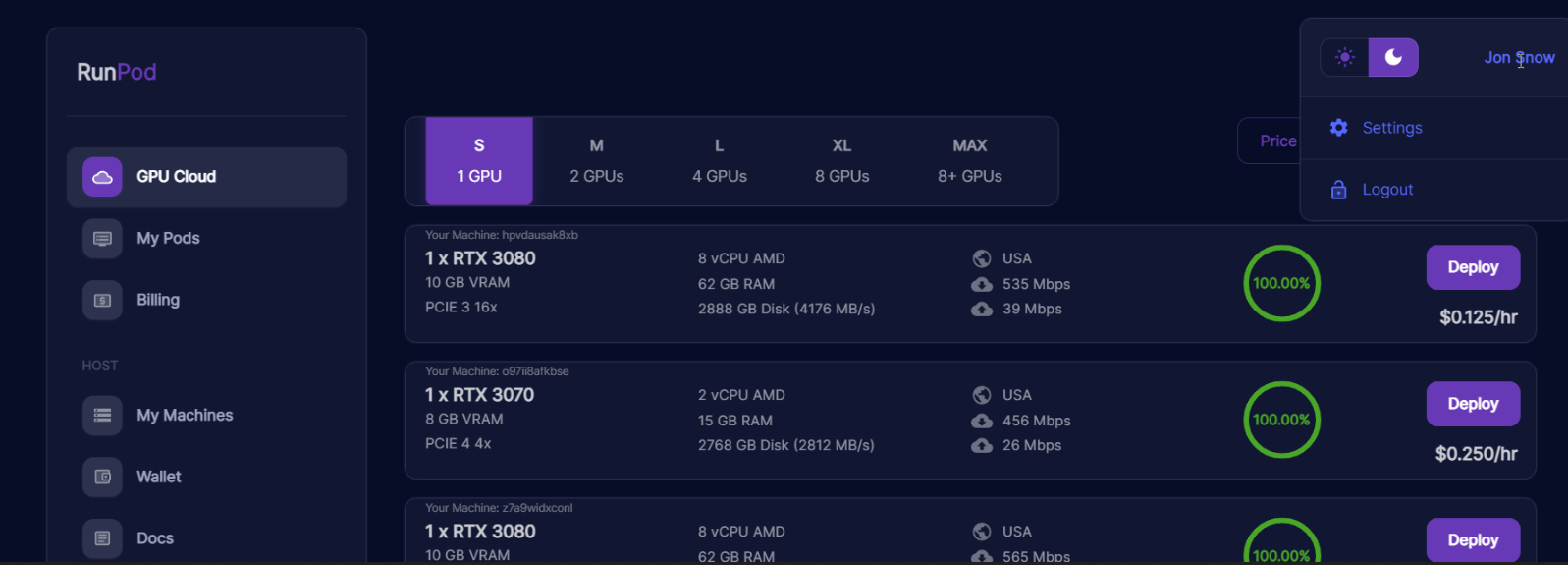
Image Source: RunPod
- Key Specs: Wide variety (RTX 3090/4090 to H100 PCIe); Serverless Inference.
- Compliance: SOC 2 Type II (Secure Cloud).
- Support: Discord community & email support.
- Verdict: The most flexible “Swiss Army Knife” for testing, prototyping, and deploying API endpoints.
What stands out:
- Templates: One-click deploy for Stable Diffusion, vLLM, Text-Gen-WebUI, and more.
- Serverless: Pay-per-millisecond for inference endpoints (autoscaling to zero).
- Pricing: Extremely aggressive spot pricing on the Community Cloud.
Who should choose RunPod?
Independent developers, hackathon teams, and startups building GenAI applications on a budget.
6. Genesis Cloud
Best for: Sustainability & Green Computing
Genesis Cloud focuses on a specific niche: 100% renewable energy-powered GPU computing. Hosting primarily out of Iceland and Norway, they utilize geothermal and hydroelectric power to offer low-cost, low-carbon compute. This is increasingly important for companies reporting on ESG (Environmental, Social, and Governance) metrics.
This is the Genesis Cloud control panel, designed to track real-time analytics, manage workloads, and optimize GPU-based infrastructure.
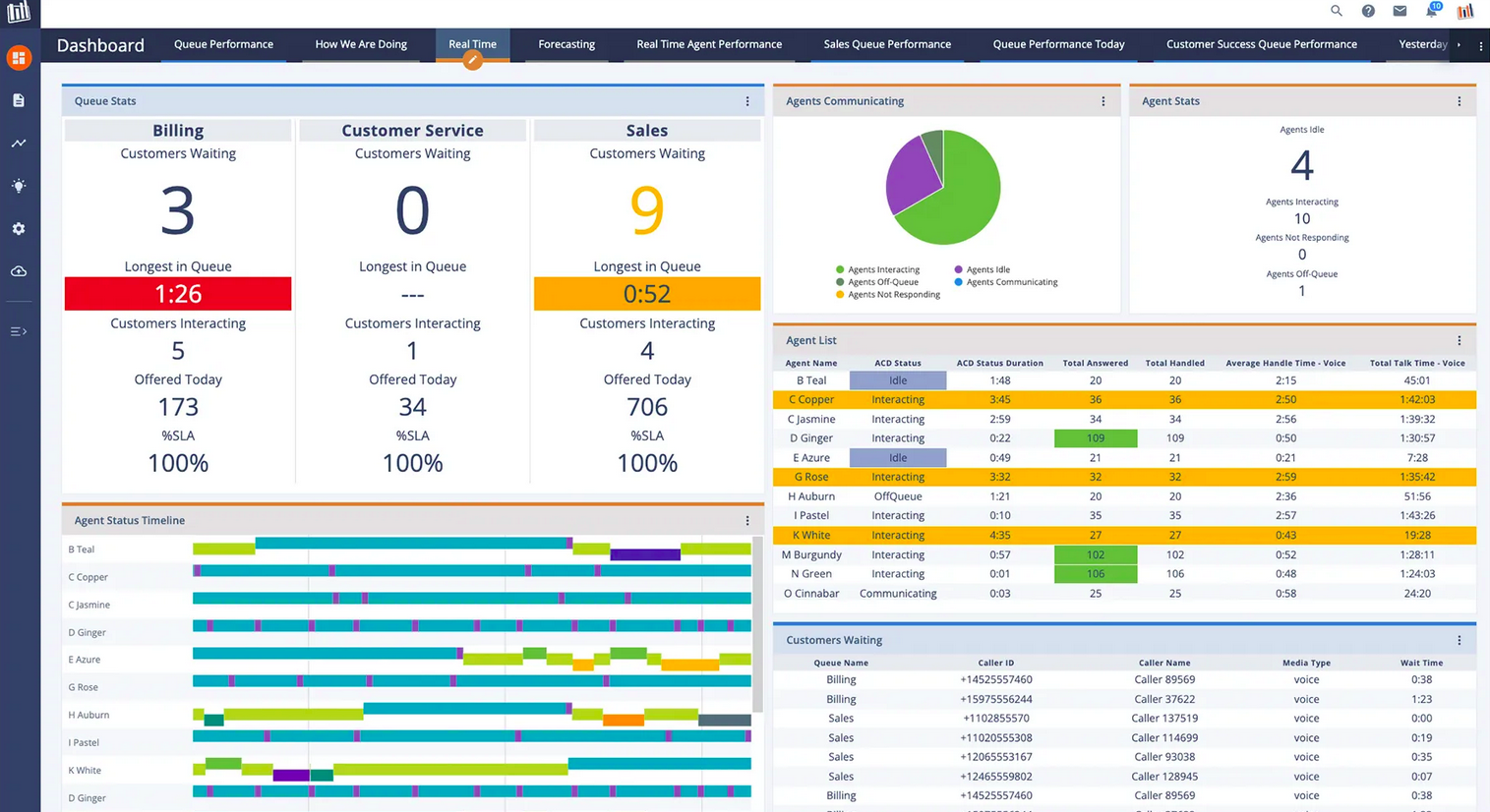
Image Source: Genesis Cloud
- Key Specs: NVIDIA HGX H100, RTX 3080/3090.
- Compliance: GDPR; 100% Green Energy Certified.
- Support: Direct technical support.
- Verdict: Excellent for batch processing and training where carbon footprint and energy costs are primary concerns.
What stands out:
- Sustainability: Drastically reduces the carbon impact of training large models.
- Cost Stability: Energy independence protects pricing from fossil fuel fluctuations.
- Privacy: Strong data privacy laws enforced by EEA jurisdiction.
Who should choose Genesis Cloud?
EU organizations and environmentally conscious tech firms.
7. AWS GPU Hosts

Best for: Teams standardizing on hyperscale cloud
AWS remains a default shortlist item for enterprise teams because it integrates GPUs into a broader cloud stack (networking, IAM, storage, observability). For AI training specifically, AWS highlights EC2 P5 as H100-powered infrastructure.
Here is the AWS EC2 dashboard, where you can control instances, monitor status, and configure settings.
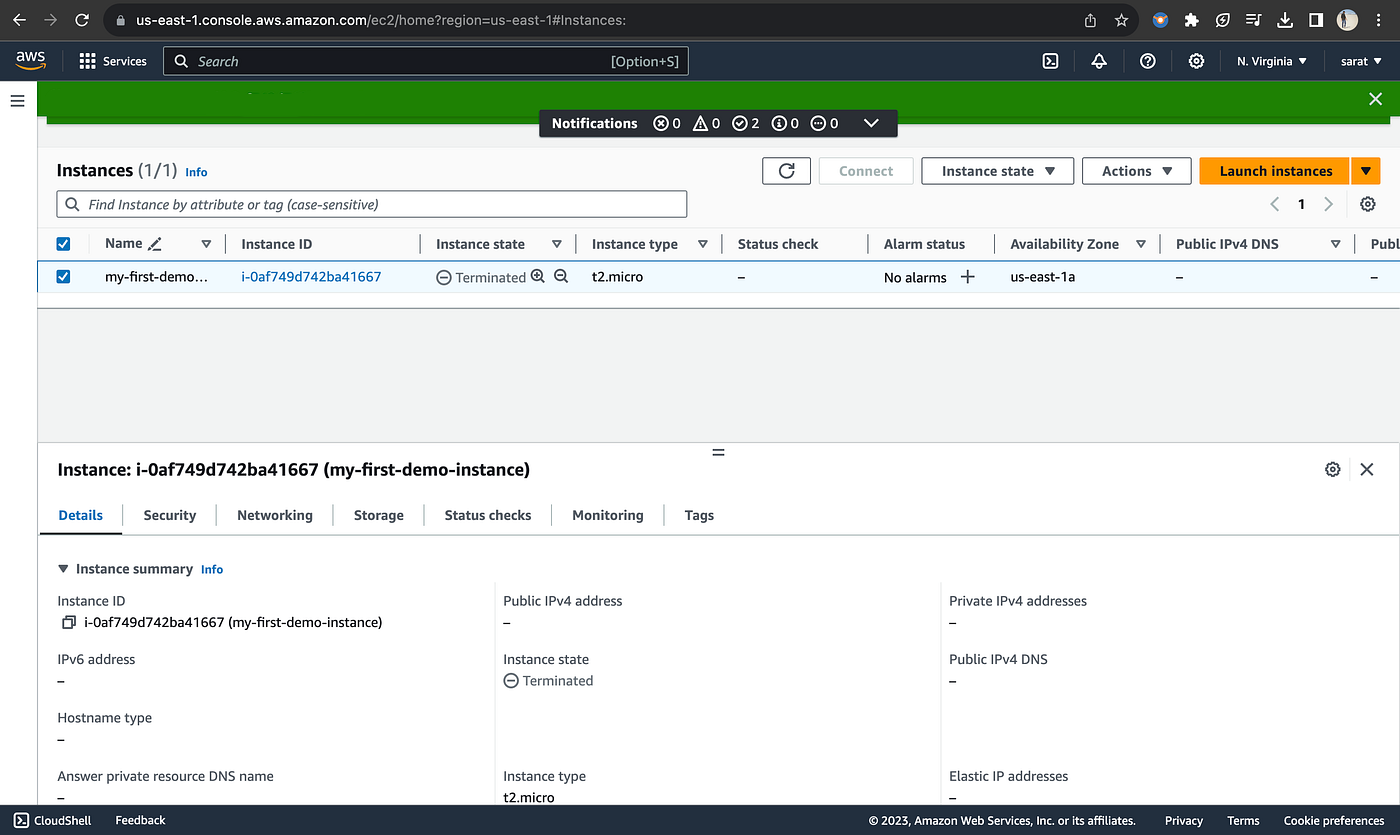
Image Source: AWS
- Key Specs: EC2 P5 instances are positioned as NVIDIA H100-powered
- Compliance: A large compliance catalog exists, but always validate which services and configurations are in scope.
- Support: Works best if you already have AWS operations maturity.
- Verdict: Choose AWS when you want GPUs inside a full enterprise cloud platform—and you can support the operational overhead.
What stands out:
- P5 positioning for H100-class training workloads
- Deep integration with enterprise cloud primitives (IAM, VPC, storage)
Scale potential when capacity is available
Who should choose AWS?
Organizations already invested in AWS and want GPUs inside the same control plane. Enterprises already deeply integrated into the AWS ecosystem, and organizations needing FedRAMP-level compliance.
Frequently Asked Questions
Q: What is the best GPU for LLM Inference in 2026?
A: For large models (70B+ parameters), the NVIDIA H100 NVL and the newer Blackwell B200 are the top choices due to massive memory bandwidth and Transformer Engine optimization. For smaller models or lower latency requirements, the NVIDIA L40S offers excellent price-per-performance without the high cost of the H100.
Q: Do I need a dedicated GPU server, or is Cloud VPS enough?
A: For experimentation, a Cloud VPS (like RunPod or Lambda) is sufficient. However, for production healthcare or finance workloads, a dedicated GPU server (like Atlantic.Net) is recommended to ensure data isolation, stable performance, and compliance with regulations like HIPAA.
Q: Why is HIPAA compliance important for GPU hosting?
A: If you are processing electronic Protected Health Information (ePHI) with AI—such as analyzing medical imaging or transcribing patient notes—you are legally required to use a HIPAA-compliant host. Standard “Terms of Service” from non-compliant clouds do not offer the legal protection required by US law (BAA).
Q: Are consumer GPUs (RTX 4090) good for Machine Learning?
A: They are excellent for development, fine-tuning small models, and inference. However, their license prevents their use in some datacenter deployments, and they lack the VRAM interconnects (NVLink) required for training massive models across multiple cards.
* This post is for informational purposes only and does not constitute professional, legal, financial, or technical advice. Each situation is unique and may require guidance from a qualified professional.
Readers should conduct their own due diligence before making any decisions.