
GPU Hosting Options: Cloud, Bare Metal, and Dedicated Servers
Finding the right GPU hosting solution means understanding several key considerations. In 2026, this includes not only raw performance but also workload orchestration, multi-GPU scaling, and support for AI-driven pipelines such as large language models and real-time inference. Weigh factors like raw computing power, scalability, pricing structure, and the specific needs of your AI workloads or deep learning tasks that require a high-performance GPU.
The best GPU providers offer a wide selection of hosting environments.
- Cloud GPU Hosting provides access to GPU resources within a provider’s shared cloud infrastructure, offering scalability and a pay-as-you-go model. These resources are available in various specifications. Importantly, cloud computing resources can utilize shared GPU resources—either a fraction of a GPU (e.g., using NVIDIA’s Multi-Instance GPU technology on supported GPUs), a single GPU, or multiple GPUs (often interconnected with technologies like NVIDIA NVLink for enhanced performance).
- Dedicated GPU hosting gives the client dedicated access to an individual host, with all CPU, memory, and storage allocated to that host. It’s exclusive for you! No one else uses it, including any dedicated GPU cards attached to the server. Importantly, dedicated servers can also integrate with the hosting provider’s cloud platform and can be consumed on demand.
- Bare Metal GPU Hosting lets you own or lease a bare metal server. These servers are typically abstracted away from the cloud platform and configured within a colocation data center, or sometimes integrated with a client’s private cloud. They are usually very powerful servers with one or more GPUs. In 2026, bare metal setups are often used for large-scale AI training clusters where maximum performance and hardware-level control are required.
The GPU-optimized frameworks you need, such as TensorFlow, PyTorch, or CUDA libraries, depend on your circumstances. Modern deployments also frequently include orchestration layers like Kubernetes and containerized workflows for portability across environments. However, it’s critical to choose reliable, security-focused GPU infrastructure to get you started. We’ve reviewed leading cloud GPU providers and specialists in cloud, dedicated servers, and bare-metal GPU offerings.
Here is how we rank them specifically for strong GPU hosting options:

#1: Atlantic.Net
Introduction:
Established in 1994, Atlantic.Net provides cloud and dedicated GPU hosting for AI, machine learning, and other compute-intensive applications. Its range includes the NVIDIA A2 with 16 GB of GPU memory, offering a lower-cost option for smaller inference projects alongside higher-capacity GPUs. Organizations processing patient information can also choose managed HIPAA GPU hosting with managed security services and a BAA.
Here is Atlantic.Net’s cloud server panel for deploying and managing dedicated and GPU servers.
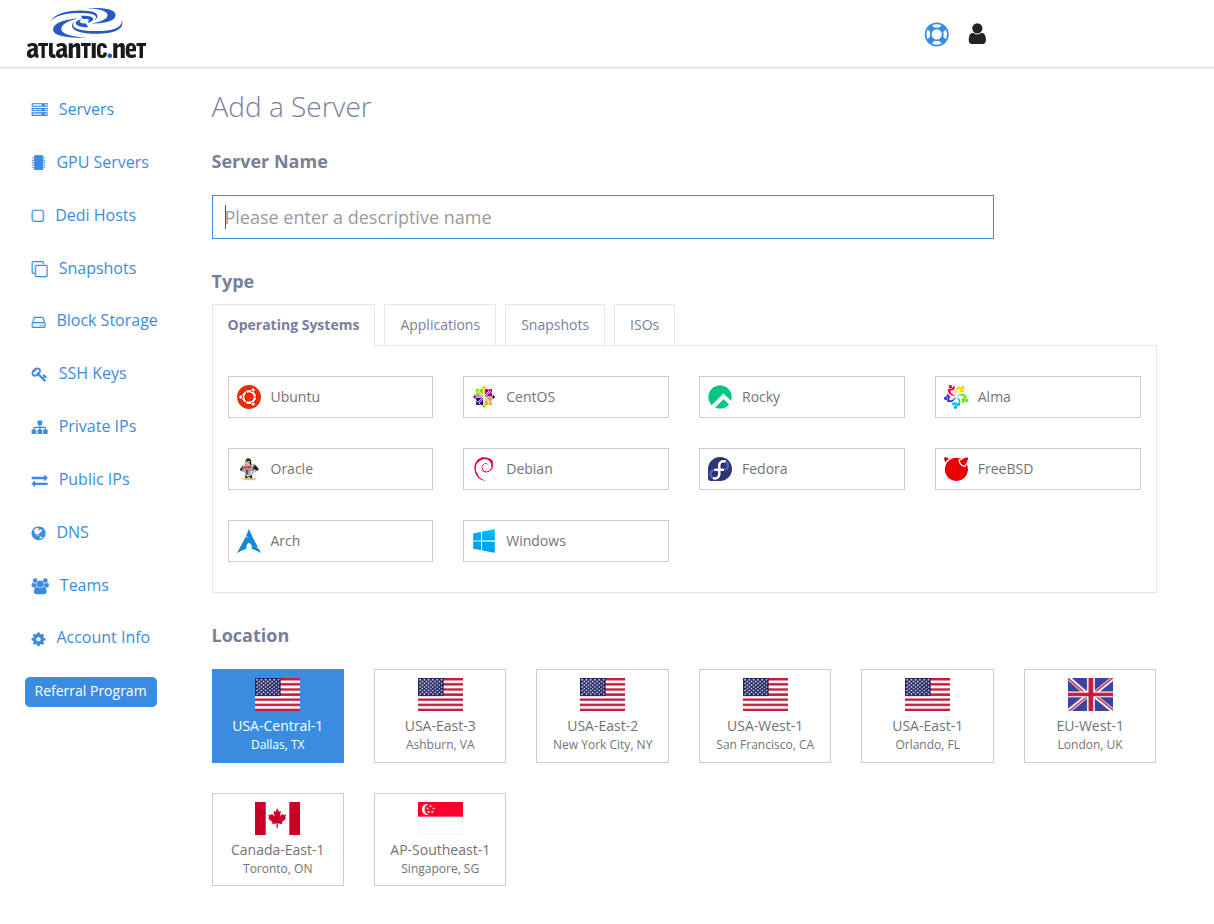
Image Source: Atlantic.Net
Advantages:
- Access to NVIDIA A2, L40S, and H100 NVL GPUs lets teams match hardware to their workload and budget, from entry-level inference on the A2 to AI and graphics processing on the L40S and more demanding model training and inference on the H100 NVL.
- Clients can choose between dedicated GPU servers, which offer maximum control and resource isolation, and scalable cloud-based “GPU as a Service” (GaaS) options designed to reduce upfront investment.
- A significant emphasis on security is demonstrated by their SSAE 18 SOC 2 & SOC 3 certifications and readiness for HIPAA/HITECH audits, which is particularly beneficial for organizations handling sensitive data.
- A 100% uptime Service Level Agreement (SLA) is backed by 24/7 technical support headquartered in the United States.
- A global network of data centers in the US, Canada, the UK, and Singapore supports operations and provides geographical diversity.
Ideal for:
- Organizations in specialized fields like AI/ML engineering, biotechnology, and healthcare that process sensitive data and therefore require services that comply with HIPAA standards.
- Users whose projects demand substantial, uninterrupted computational power from dedicated GPU servers for intensive tasks such as deep learning model training, complex graphics rendering, or large-scale scientific simulations.
- Businesses that prioritize a provider’s extensive operational history, a demonstrable commitment to security, and readily available, U.S.-based customer support.
- Clients seeking cost-effective, long-term GPU hardware rentals, especially when the hyper-scalability of larger cloud platforms isn’t the primary driver, will find Atlantic.Net’s pricing models attractive.

#2: Amazon Web Services (AWS)
Introduction:
As a dominant hyper-scale cloud provider, AWS delivers a vast portfolio of IT services. This includes an extensive, frequently updated selection of GPU instances, such as the P-series for high-throughput compute tasks and the G-series for graphics-intensive applications. AWS supports a wide range of demanding workloads, from sophisticated machine learning model training to high-resolution video rendering, thanks to its massive global infrastructure.
The AWS EC2 dashboard lets you control instances, monitor status, and configure settings.
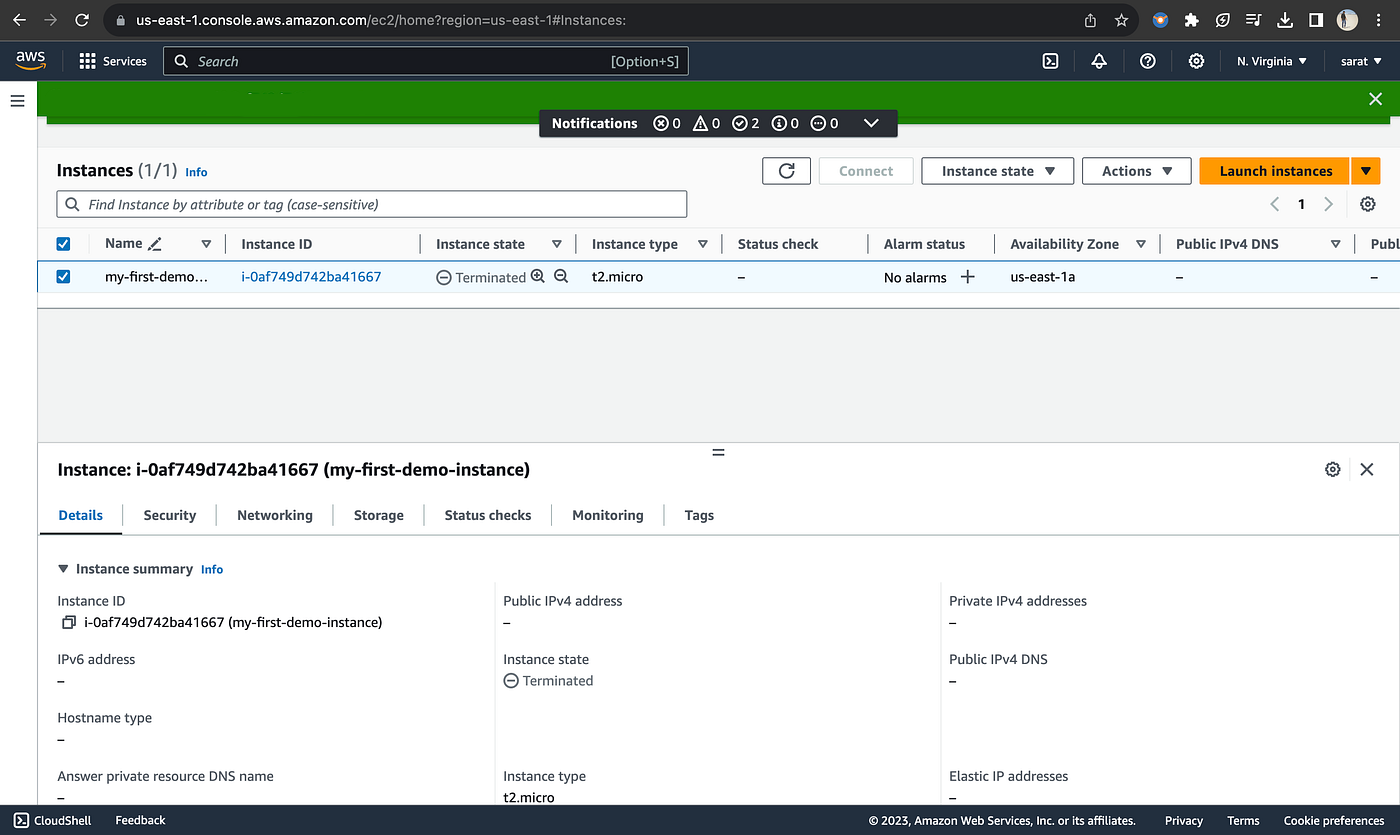
Image Source: AWS
Advantages:
- An unparalleled selection of NVIDIA GPU models and instance sizes lets users tailor resources to diverse performance and budget needs.
- The platform’s design enables dynamic scaling of GPU resources, allowing businesses to adjust to fluctuating workloads and optimize spend.
- Seamless integration with AWS’s comprehensive ecosystem of services—spanning storage, networking, databases, and AI/ML tools—can significantly streamline application development and deployment.
- A worldwide network of data centers ensures low-latency access for a global user base and facilitates disaster recovery planning.
- Developers benefit from broad support for GPU-optimized frameworks and libraries, accelerating AI model development and other GPU-accelerated applications.
Disadvantages:
- AWS’s intricate pricing structure can be challenging and may lead to higher-than-anticipated costs, especially in sustained high-usage scenarios if not carefully managed.
- Data egress fees are a key budgetary consideration and can add up significantly depending on data transfer patterns.
- While powerful, the sheer breadth of service options and configurations can present a steep learning curve for users new to the AWS ecosystem.
Ideal for:
- Large enterprises and rapidly growing startups that need highly scalable GPU instances to develop and deploy machine learning models, deep learning algorithms, and complex high-performance computing simulations.
- Development teams looking to leverage a rich, deeply integrated ecosystem of cloud services to build sophisticated, multi-component applications.
- Organizations with a global operational footprint that require robust, geographically distributed GPU infrastructure to serve their AI workloads with high availability and low latency.
- Users whose workflows involve complex big data analytics alongside GPU-accelerated compute tasks.

#3: Google Cloud Platform (GCP)
Introduction:
GCP is another leading global cloud GPU provider, known for its strong capabilities in data analytics, machine learning, and natural language processing. They offer a variety of GPU instances equipped with powerful NVIDIA GPUs, designed for high computational power.
Manage cloud services with the Google Cloud dashboard, where you can create virtual machines, deploy applications, and analyze data using built-in tools.
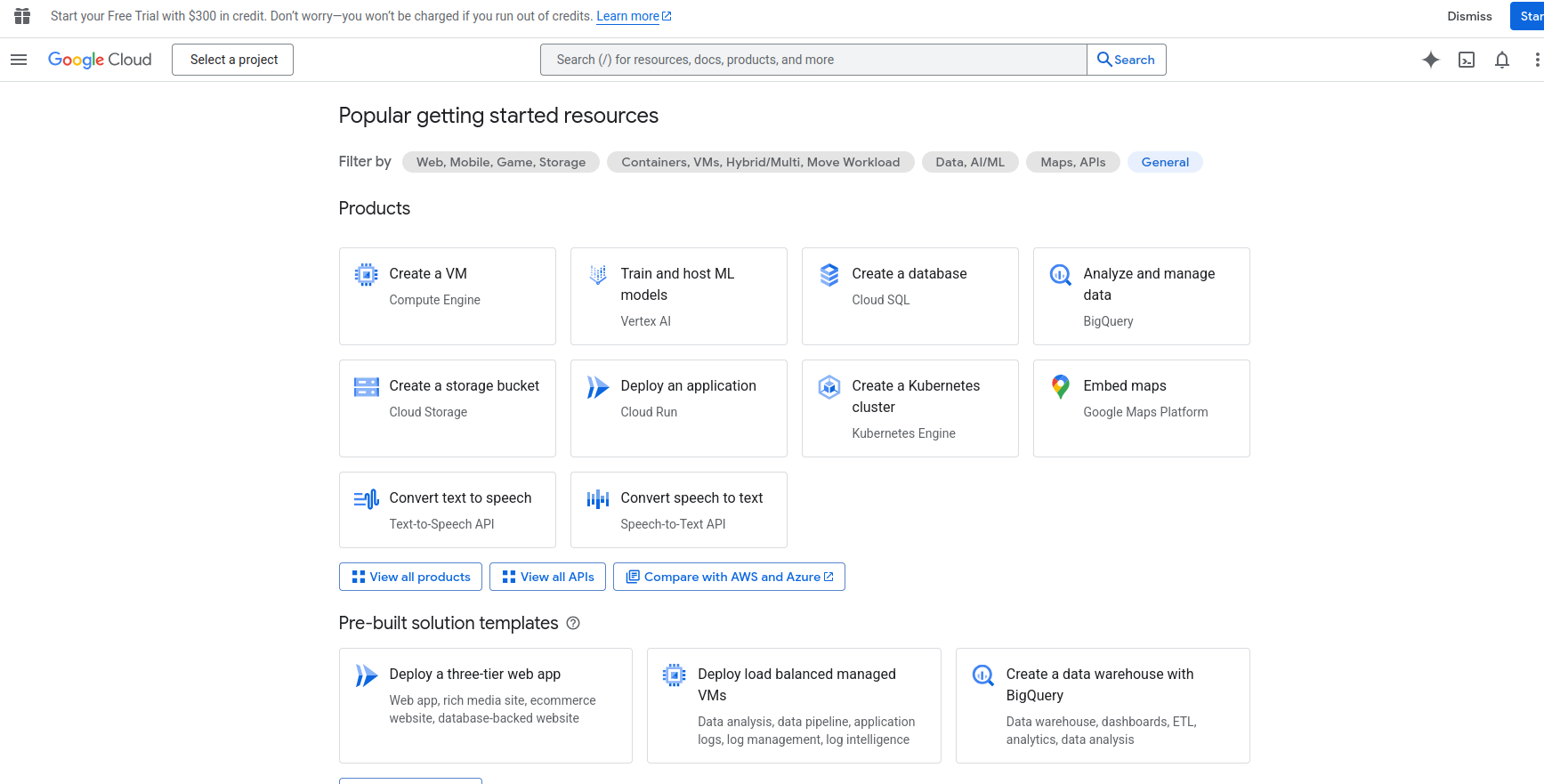
Image Source: Google Cloud
Advantages:
- GCP excels in AI model training and deep learning, offering direct pathways to Google’s cutting-edge AI research, tools like TensorFlow and Vertex AI, and alternative accelerator options like Google’s own Tensor Processing Units (TPUs).
- For certain NVIDIA GPU models, GCP offers competitive pricing, including per-second billing for granular cost control.
- GCP’s services are underpinned by a high-capacity, private global network, contributing to consistent performance and low-latency data transfer worldwide.
- Beyond virtualized instances, GCP also offers bare metal options for specific high-performance scenarios, giving direct, unmediated access to underlying GPU hardware.
- Robust support for containers and Kubernetes (via Google Kubernetes Engine – GKE) simplifies orchestrating and scaling distributed GPU workloads.
Disadvantages:
- The range of GPU hardware options, while good, might sometimes be less extensive than other cloud providers in specific regions.
- Some services have a steeper learning curve and require expertise in existing GCP services.
- It can be costly if resources are not managed carefully.
Ideal for:
- Data scientists and researchers focused on machine learning and AI models.
- Organizations already invested in Google Cloud Platform, often looking for big data processing and analytics.
- Users who need cutting-edge NVIDIA GPU technology to train large language models or run natural language processing.
- Businesses looking for flexible GPU server hosting that scales with their AI workloads.

#4: Microsoft Azure
Introduction:
Microsoft Azure offers a comprehensive suite of cloud services, including N-series Virtual Machines, GPU instances designed for compute- and graphics-intensive applications. Azure supports a wide range of GPU resources for AI/ML, video editing, and scientific computing.
Explore the Azure dashboard to organize resource groups, track usage, and manage cloud services from a centralized platform.
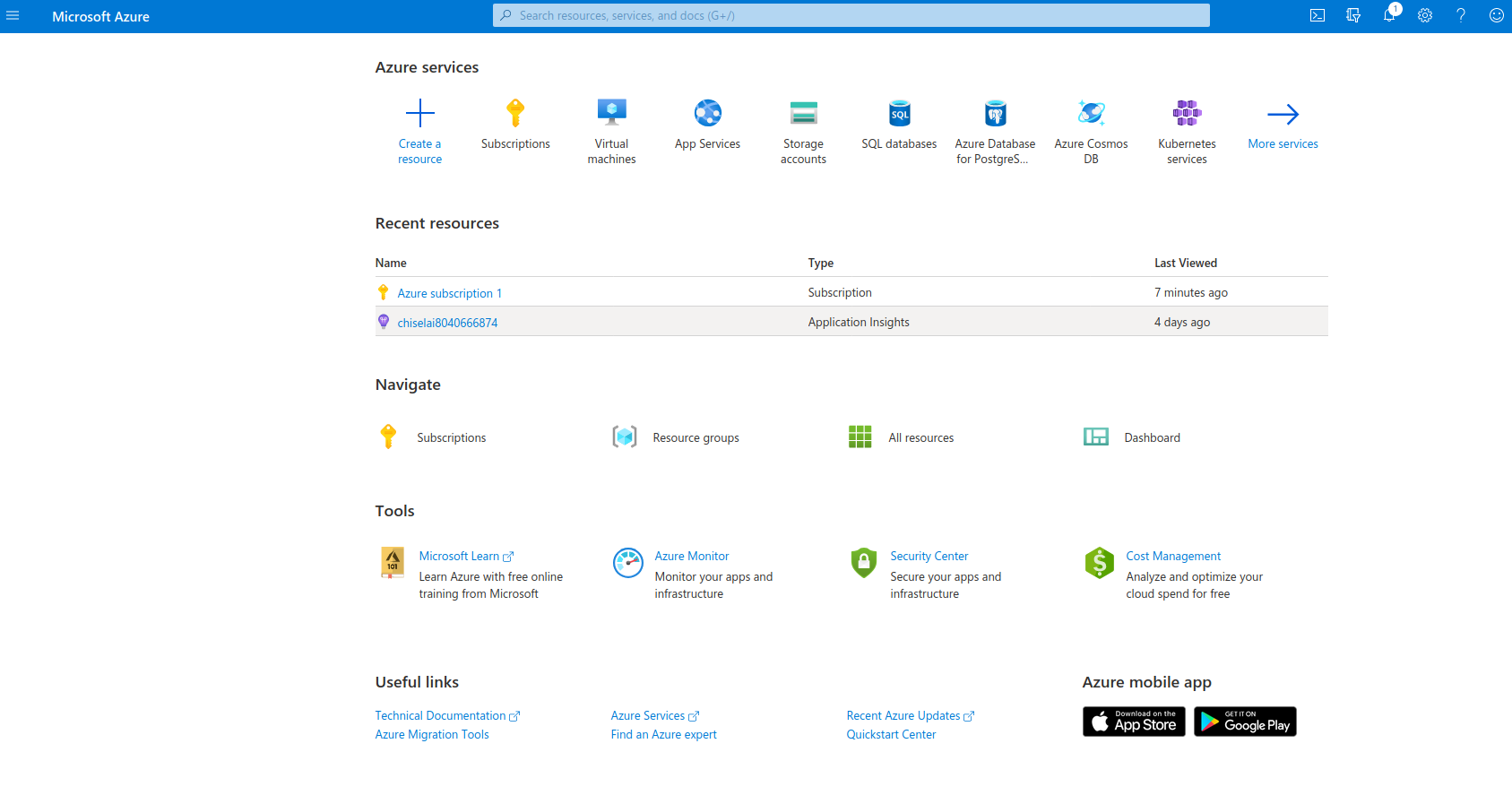
Image Source: Azure
Advantages:
- Exceptional integration with the broader Microsoft ecosystem, including Windows Server, Microsoft Entra ID (formerly Azure AD), and Azure’s wide array of platform services, benefits enterprises already utilizing Microsoft technologies.
- Azure offers a diverse selection of NVIDIA GPU options for visualization workloads (NV-series), AI/HPC (ND-series, NC-series), and general-purpose GPU compute.
- The platform offers a spectrum of GPU-accelerated VMs, some delivering performance approaching dedicated servers, alongside more traditional cloud GPU elasticity.
- It strongly supports hybrid cloud scenarios, enabling organizations to consistently manage and deploy GPU workloads across on-premises environments and Azure.
- Microsoft continues to expand its focus on AI workloads, providing dedicated platforms like Azure Machine Learning and tools that streamline the AI development lifecycle on its GPU infrastructure.
Disadvantages:
- The Azure portal and service options can sometimes be complex to navigate.
- Costs can escalate if not carefully monitored, similar to other major cloud providers.
- Some of the newest GPU models may have limited regional availability initially and long waitlists.
Ideal for:
- Enterprises that are already invested in the Microsoft platform (Windows Server, Entra ID, or Azure Platform Services).
- Users who need GPU hosting options for professional graphics applications, video encoding, and complex engineering simulations.
- Organizations training and inferencing AI models that can benefit from Azure’s AI platform.
- Researchers needing computing power for scientific research and simulations.
#5: CoreWeave
Introduction:
CoreWeave has carved out a niche as a specialized cloud GPU provider, purpose-built from the ground up for extremely large-scale AI workloads, demanding deep learning tasks, high-fidelity visual effects (VFX) rendering, and other compute-heavy processing pipelines. They stand out by offering broad access to a diverse range of NVIDIA GPUs, often including the latest generations, with a strong emphasis on high-performance bare metal and Kubernetes-native environments.
The CoreWeave Cloud dashboard lets you deploy GPU-powered virtual servers, manage storage, and monitor high-performance workloads.
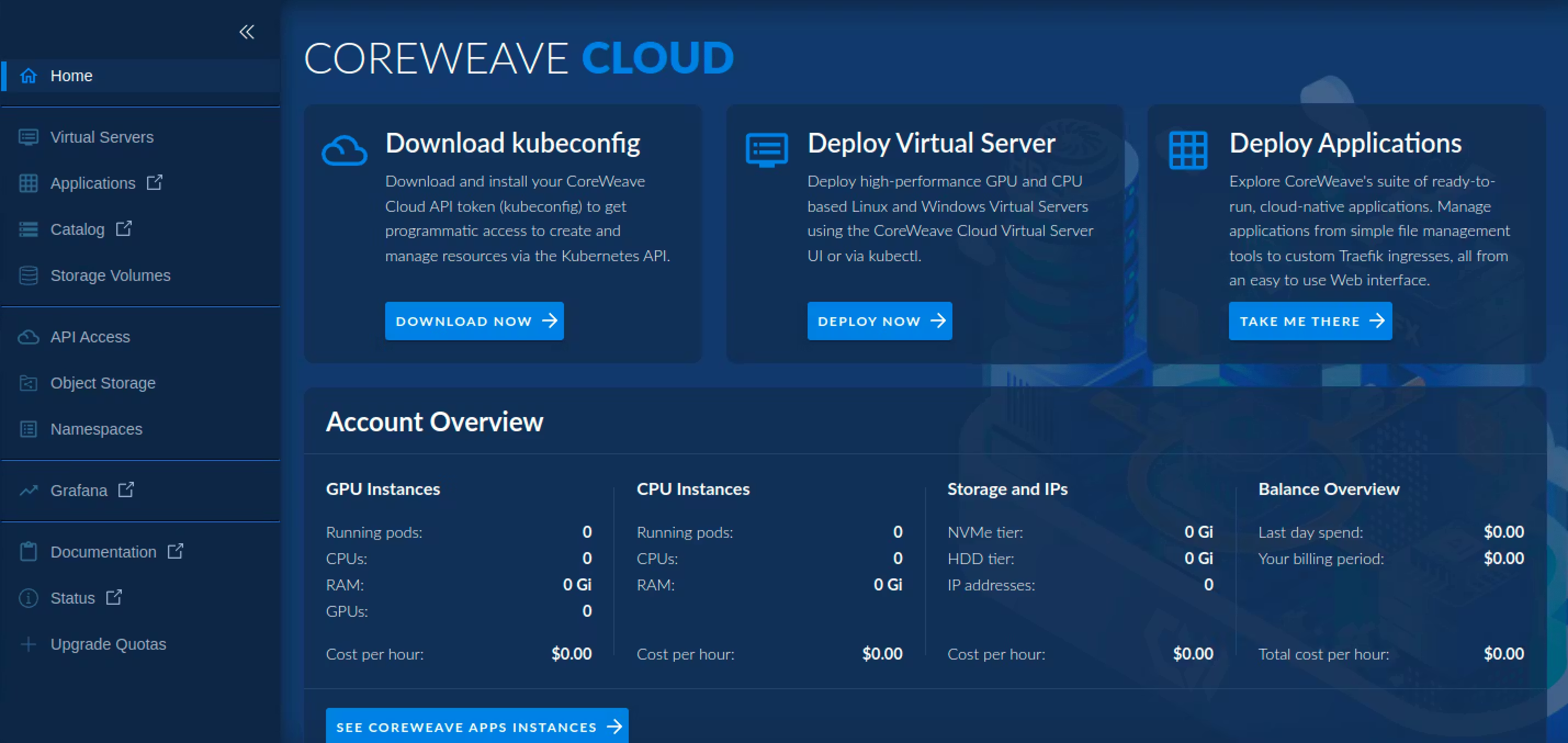
Image Source: CoreWeave Cloud
Advantages:
- Access to a vast inventory of cutting-edge NVIDIA GPU models, often available sooner than larger, generalized clouds.
- Potentially significant cost savings (reportedly 30-80% less expensive) for GPU compute compared to traditional hyperscalers.
- Highly scalable infrastructure designed for massive AI model training and inference.
- A Kubernetes-native platform that streamlines deployment and management for teams familiar with container orchestration.
- Offers flexible storage and high-performance networking optimized for GPU clusters.
Disadvantages:
- Does not offer the broad selection of general cloud services found in Atlantic.Net, AWS, GCP, or Azure; primarily focused on GPU compute.
- May require more DevOps expertise for setup and management if you don’t use their managed services, as it can be less turnkey for those unfamiliar with Kubernetes.
- Heavy reliance on NVIDIA for its GPU hardware could be a long-term strategic consideration.
Ideal for:
- AI research labs, machine learning engineers, and VFX studios requiring access to large quantities of the latest NVIDIA GPUs at scale.
- Organizations focused on training deep learning models, large language models (LLMs), or running complex scientific simulations that benefit from bare-metal performance.
- Users seeking potentially more cost-effective pricing for high-performance GPU hosting for power-hungry applications and comfortable with a specialized cloud environment.
- Teams that are adept with Kubernetes and want GPU infrastructure that integrates well with it.
Why Traditional CPUs Can’t Always Keep Up:
CPUs aren’t necessarily the problem; in fact, they are still essential for GPU hosting. We mean there is a much better, more efficient way to develop AI/ML applications, handle large-scale rendering, or perform image analysis.
So what’s wrong with CPUs?
- Sequential Processing: CPUs excel at a wide range of general-purpose tasks and can handle serial operations or a limited number of parallel threads efficiently. However, for tasks requiring massive parallelism (like AI/ML), each core processes operations more sequentially than a GPU.
- Limited Cores for Parallel Tasks: While multi-core, the CPU cannot match GPUs for massively parallel jobs. GPUs excel at running millions of simple tasks simultaneously.
- Bottlenecks for Intensive Data: Large-scale data analytics and complex calculations can overwhelm CPUs, causing applications to lag significantly.
Cloud GPUs
What makes the GPU so good at handling AI/ML applications? It comes down to one simple reason: the GPU can do many more tasks simultaneously and perform them much faster.
GPU servers are great at:
- Training complex deep learning models
- Performing big data analytics at speed
- Powering intricate graphics rendering, online gaming, and completing video editing tasks efficiently
- Driving high-performance computing tasks and complex engineering simulations
In 2026, GPUs are also widely used for large language models, generative AI workloads, and real-time AI inference at scale.
Choosing the right GPU hosting provider can help you meet your business goals almost immediately. This guide will explore the available GPU hosting options to help you find the perfect match for your resource-hungry applications.
Final Pointers for Picking a Cloud GPU Provider
GPU hosting has brought superior performance, breakneck processing power, and the latest technology to businesses worldwide. If you’re feeling like your computing tasks are stuck in the slow lane, it may be time to level up to a GPU platform.
In 2026, GPU adoption continues to grow as AI workloads become more complex and require faster training cycles and scalable infrastructure.
For today’s most data-intensive applications, standard hosting options may not be powerful enough. This is because standard central processing unit (CPU)-based servers often just don’t cut it for modern AI workloads.
Despite being very powerful, there are better options available with graphics processing units (GPUs) that introduce incredible parallel processing capabilities, allowing users to get the best performance from one or more GPUs.
Choosing the right GPU hosting provider from the many options is a big decision. To make sure you get the best fit, keep these key factors in mind:
- The Right GPU Hardware: Do you need specific NVIDIA GPU models (e.g., for AI model training vs. graphics rendering)?
- Scale of Your Workloads: How much computing power do your resource-heavy processes really need? Will you need to scale up or down, or in and out?
- Your Budget: What pricing structure works best? Compare on-demand cloud GPUs with longer-term dedicated servers. Does the provider offer discounts for 1, 2, or 3-year commitments?
- Control vs. Convenience: Do you prefer the full control of bare metal solutions or the managed environment of cloud GPU instances?
- Supported Frameworks: Does the provider easily support the GPU-optimized frameworks critical for your AI/ML or deep learning tasks?
- AI workload type: Are you running training, fine-tuning, or real-time inference? Each has different infrastructure needs.
Whether you prefer flexible cloud GPU instances, the raw power of dedicated GPU servers, or the direct control of bare metal solutions, the ideal hosting provider should offer GPU hosting with the computing resources you need
GPU hosting lets your business tackle compute-intensive applications, from cutting-edge AI/ML and deep learning projects to high-performance computing and smooth video editing, efficiently. Take time to evaluate each GPU server hosting option, and you’ll unlock the performance your projects deserve, enabling businesses and researchers to push new boundaries and achieve unparalleled results.

Written by
Richard Bailey brings over two decades of IT expertise, from traditional data centers to cutting-edge cloud solutions. As the founder of turbogeek.co.uk and a seasoned writer, he focuses on delivering authoritative content on our hosting services, HIPAA compliance, and related topics.