
New Relic is a web-based application monitoring solution that allows you to monitor server performance in real time. Using New Relic, you can monitor CPU, RAM, Disk Usage, and specific user-defined events. New Relic uses an application performance index score to set and rate application performance across the environment in a unified manner. It is used by developers and DevOps teams to monitor the performance of their applications and infrastructure.
This post will show you how to install New Relic on Oracle Linux 10 and monitor your server.
Step 1 – Install New Relic Infrastructure Agent
Before starting, you will need to install New Relic Infrastructure Agent on your server.
First, create a yum repository for Relic Agent.
nano /etc/yum.repos.d/newrelic-infra.repo
Add the below code.
[newrelic-infra]
name=New Relic Infrastructure
baseurl=https://download.newrelic.com/infrastructure_agent/linux/yum/el/8/x86_64/
gpgkey=https://download.newrelic.com/infrastructure_agent/keys/newrelic_rpm_key_current.gpg
gpgcheck=0
repo_gpgcheck=1
Then, install the Relic agent using the below command:
yum install newrelic-infra -y
Step 2 – Create an Account on New Relic
First, you will need to create an account on New Relic as shown below:
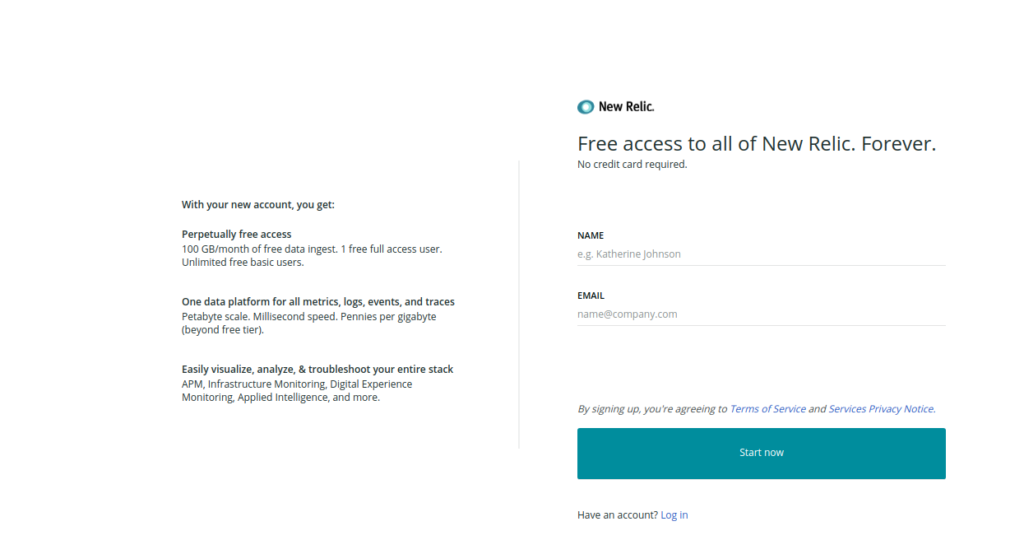
After signing up, click on Integrations & Agents. You should see the following page:
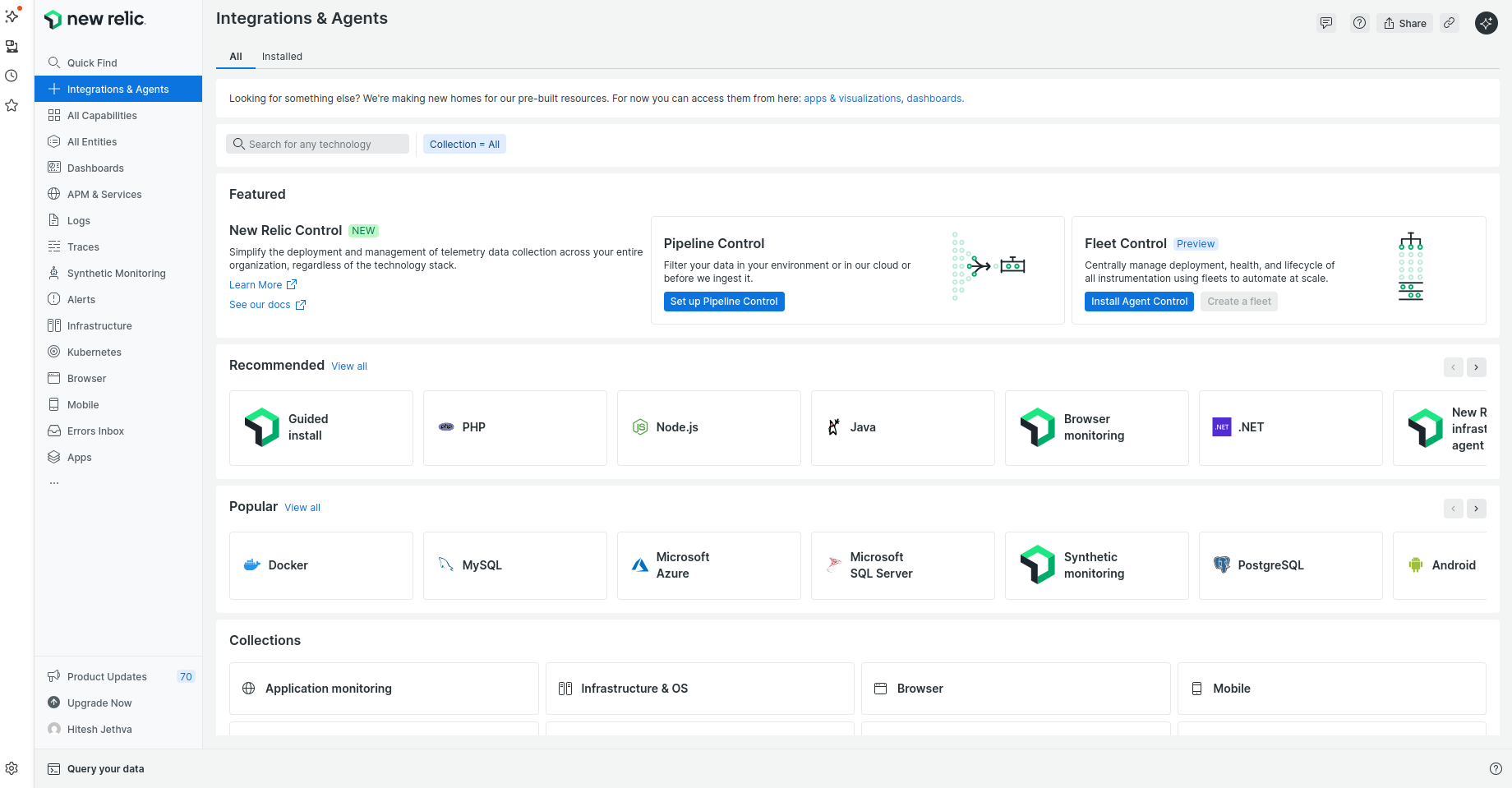
Now, click on Guided Install. You will see the page below:
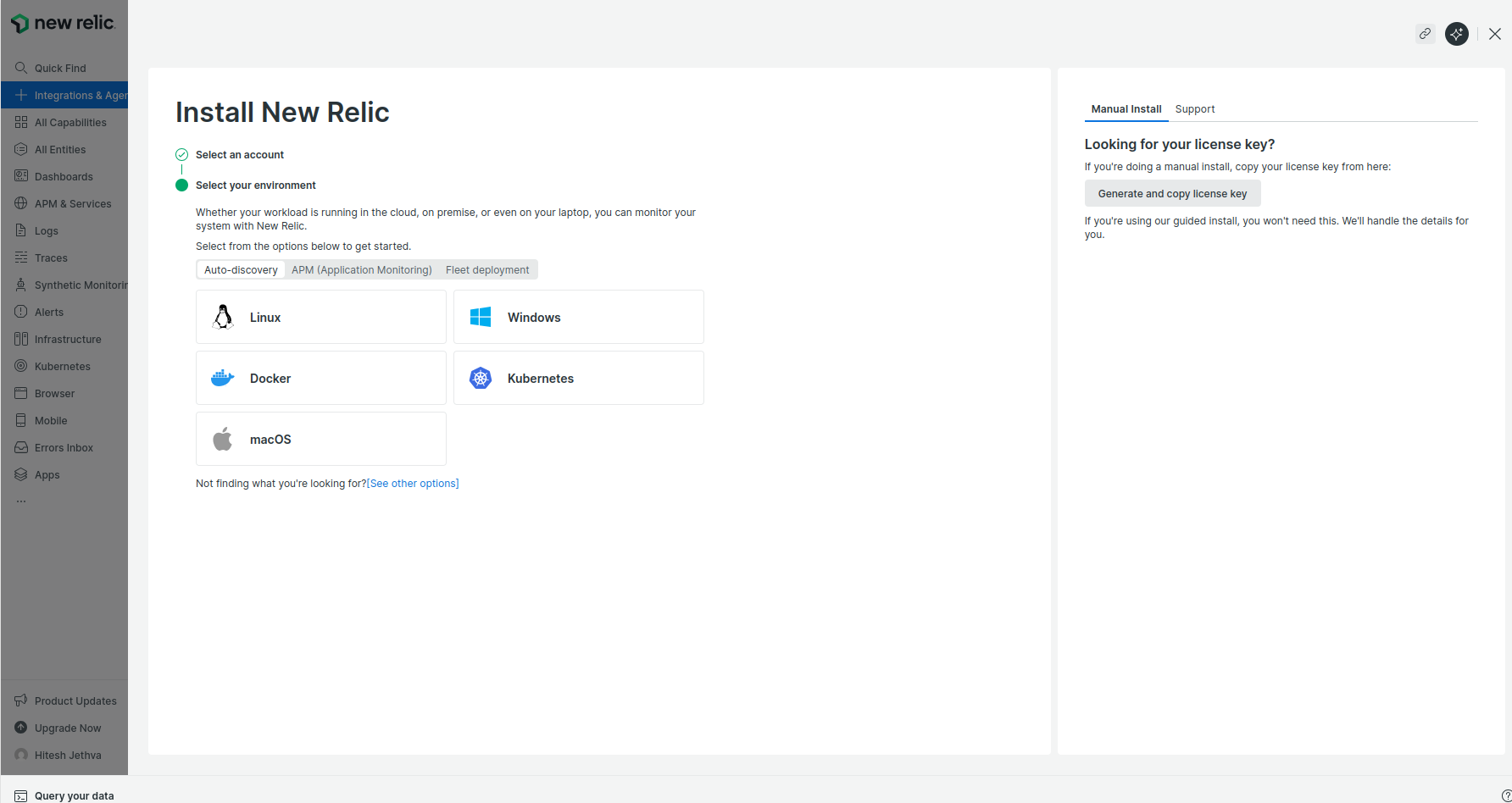
Select a Linux operating system. You should see the following page.
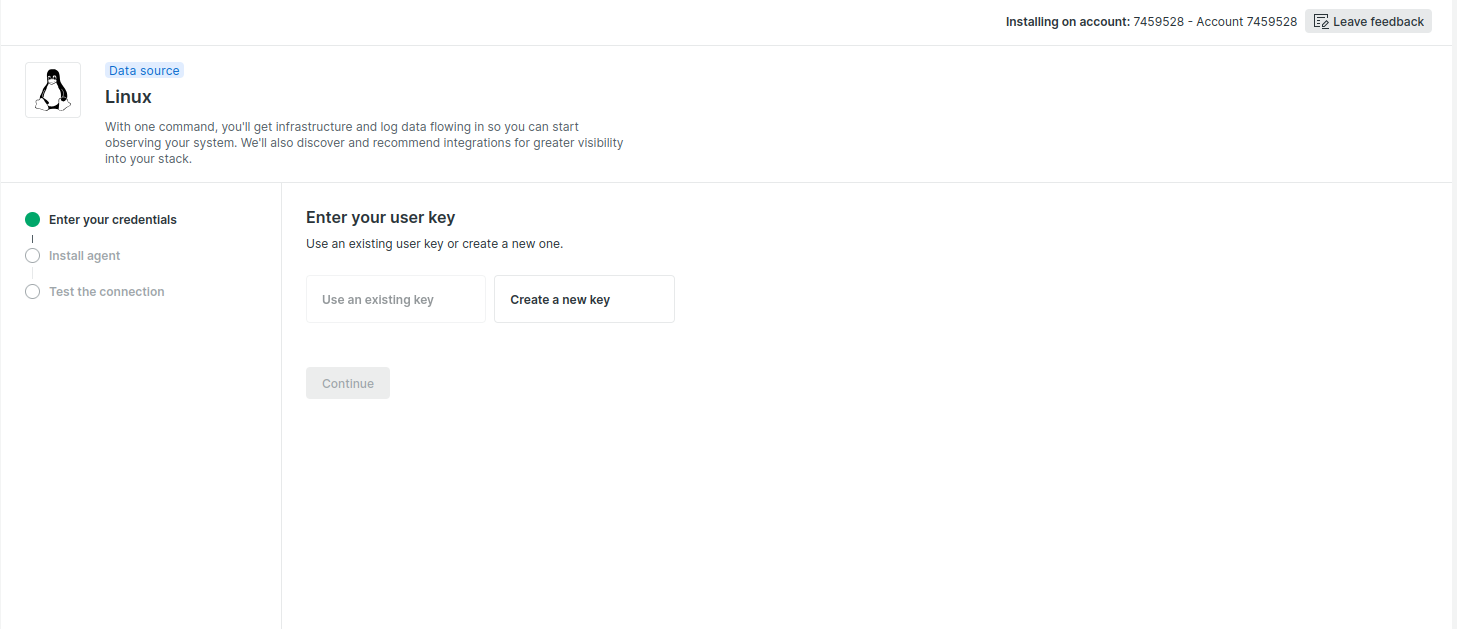 Click on Create a new key. You should see the page below.
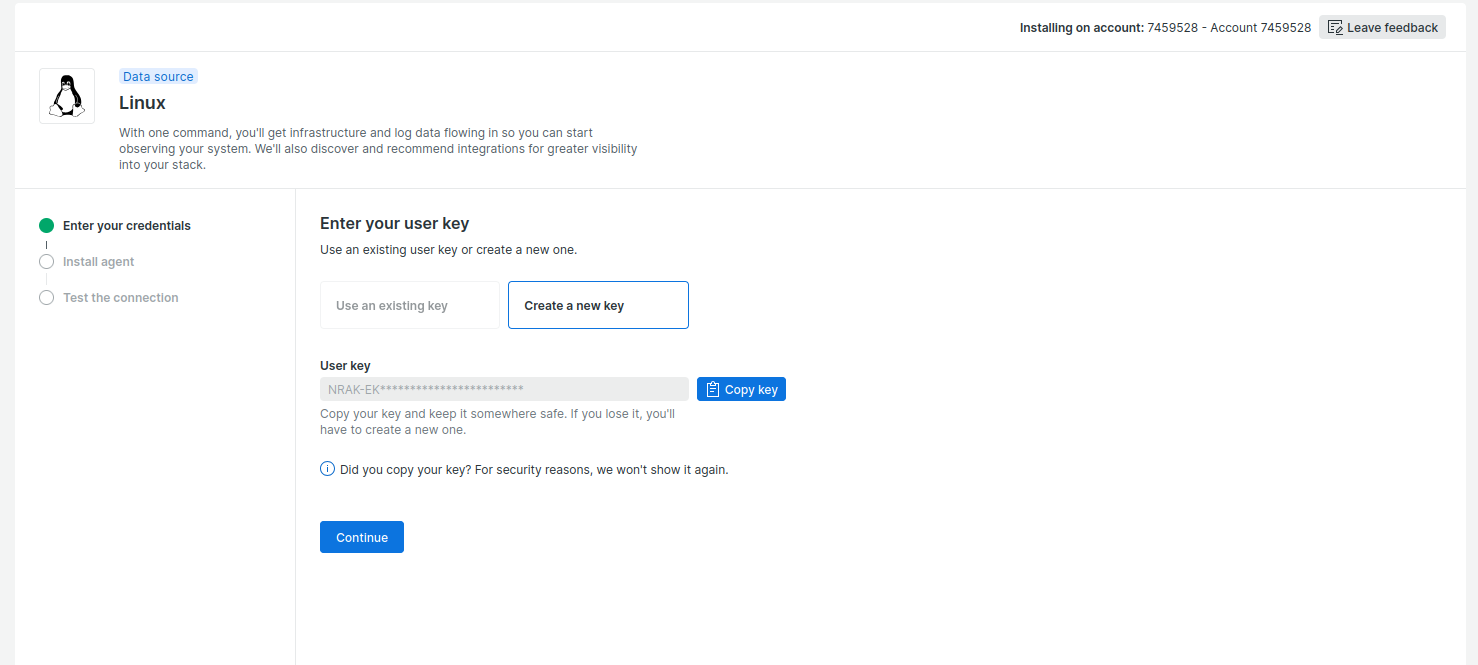
Click on Continue. You will see the following page.
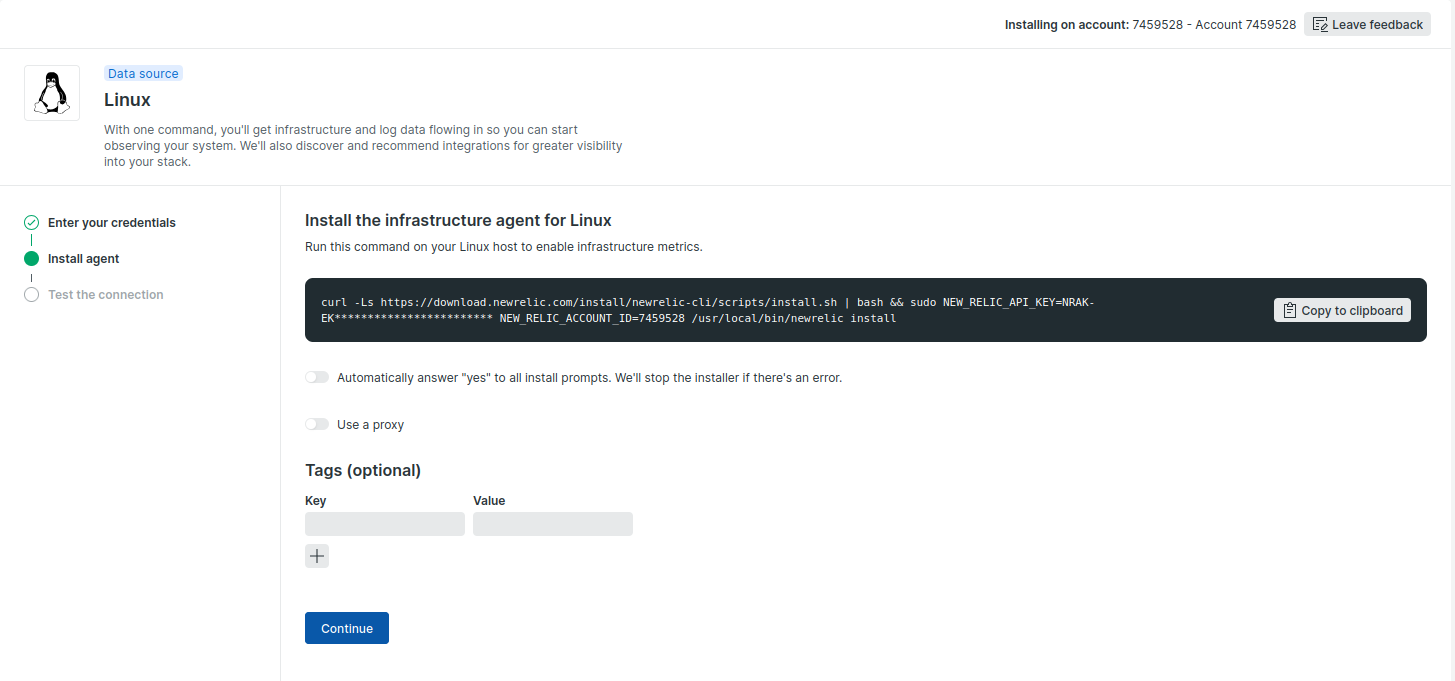 Copy the above code and proceed to the next step.
Step 3 – Install New Relic
Now, log in to your Oracle Linux 10 server and run the code as shown below:
curl -Ls https://download.newrelic.com/install/newrelic-cli/scripts/install.sh | bash && sudo NEW_RELIC_API_KEY=NRAK-EKQIT4WVIIA81GP2FMIVHD70K7F NEW_RELIC_ACCOUNT_ID=7459528 /usr/local/bin/newrelic install -y
Once the installation has been completed, you should get the following output:
==> Installing PostgreSQL Integration

[OK] All checks passed. Installing Postgres Integration...

Installing nri-postgresql...
No match for argument: nri-postgresql
Error: Unable to find a match: nri-postgresql
! Installing postgres-open-source-integration
   Failed

  New Relic installation complete

  --------------------
  Installation Summary

  ✔  Golden Signal Alerts  (installed)
  ✔  Infrastructure Agent  (installed)
  !  PostgreSQL Integration  (incomplete)

  Installation was successful overall, however, one or more installations could not be completed.
  Follow the instructions at the URL below to complete the installation process.

  ⮕  https://onenr.io/0Vwg33WmpwJ
Please remember the New Relic URL as shown in the above output. You will need it to access the New Relic web interface.
Step 4 – Access New Relic Web Interface
Now, open your web browser and access the New Relic web interface using the URL https://onenr.io/0Vwg33WmpwJ. You should see the New Relic dashboard on the following page:
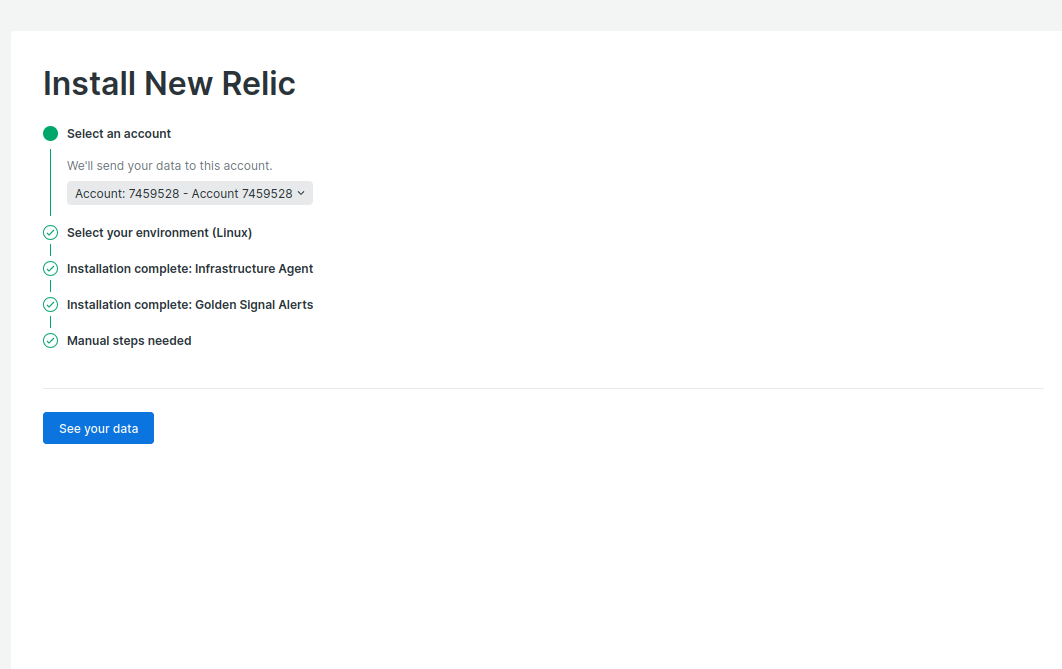
Click on See your data. You will see all the information on the following page.
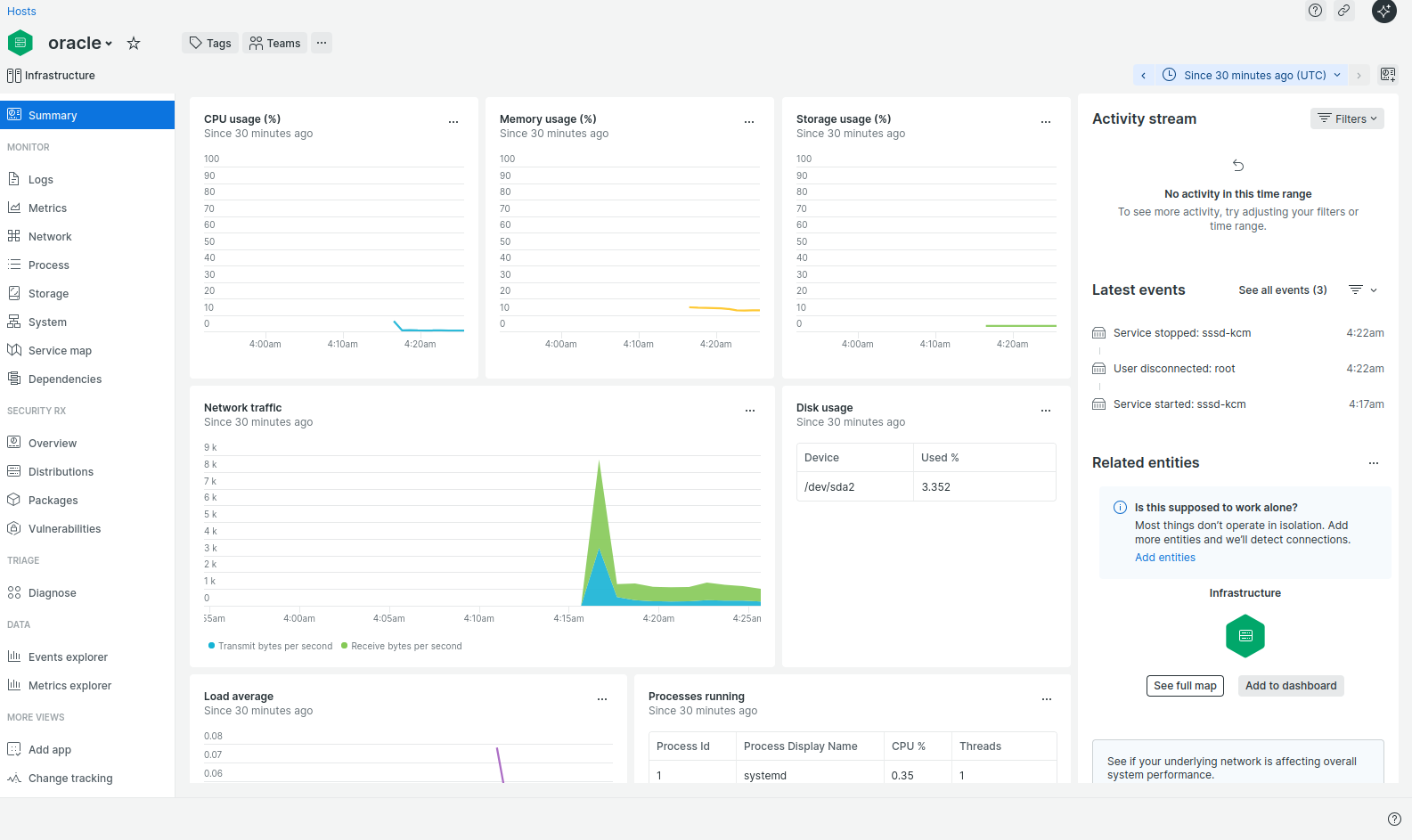
Conclusion
This post taught us how to install New Relic on Oracle Linux 10. You can now implement New Relic in your organization and start monitoring your infrastructure from the central location. Try New Relic on dedicated hosting from Atlantic.Net!

Written by
Hitesh Jethva is a regular contributor to the Atlantic.Net blog. With over 15 years of experience in Linux and open-source technologies, he founded Linux Buz, a website dedicated to Linux enthusiasts.